System Requirements
Can your PC run CAPTAIN TSUBASA 2: WORLD FIGHTERS? Full minimum and recommended system requirements, 23GB install size and performance tips.
Introduction
The System Requirements hub answers the question every PC player asks before pre-ordering: can my computer run CAPTAIN TSUBASA 2: WORLD FIGHTERS? It covers the official minimum and recommended specifications for Windows — operating system, CPU, GPU, RAM and the roughly 23GB install size — plus the practical guidance that raw spec sheets never give you: how to hit 60fps, the best graphics settings for low-end and high-end hardware, controller support and Windows 11 compatibility notes. The game is an anime-style soccer action title, so its requirements are far more modest than a modern open-world blockbuster, but getting the settings right still matters for smooth super move timing. Whether you are on a gaming laptop, a desktop built for work or a dedicated rig, this hub helps you confirm compatibility before launch and tune performance after it.
PC Requirements Quick Reference
| Component | Minimum | Recommended |
|---|---|---|
| OS | Windows 11 | Windows 11 |
| CPU | Intel i5-10600K / Ryzen 5-5600X | Faster 6-core / 8-core CPU |
| RAM | 16GB | 16GB or more |
| GPU | GTX 1650 Super / RX 5600 XT | GTX 1660 Super / RTX 2060 or better |
| Storage | ~23GB | ~23GB (SSD recommended) |
Hardware Breakdown
Minimum Spec
The floor for running the game.
Recommended Spec
The target for smooth 60fps play.
CPU
The processor headroom you need.
GPU
The graphics card that sets your quality ceiling.
Storage
Modest — 23GB fits almost anywhere.
Peripherals
Input devices and compatibility.
Core Mechanics
Understanding system requirements is about matching your hardware to the game's performance targets. The minimum specification defines the floor: a Windows 11 system with a 6-core CPU like the i5-10600K or Ryzen 5-5600X, 16GB of RAM and a GTX 1650 Super or RX 5600 XT will run the game, but expect lower settings and resolution scaling for smooth play. The recommended specification targets a stable 60fps experience on modern hardware — a faster CPU and a GTX 1660 Super / RTX 2060-class GPU or better let you push higher settings and maintain consistent frame pacing during super move cinematics, which matters because the goalkeeper versus shooter duel runs on real-time inputs. The 23GB install size is modest, and an SSD is strongly recommended to avoid hitches when the camera cuts to close-up action. Windows 11 is listed as the supported OS, and controller support is expected given the gamepad-friendly control scheme.
Advantages
The biggest advantage of this hub is clarity before purchase. The confirmed minimum and recommended specifications let you verify compatibility in minutes instead of discovering performance problems after launch, and the modest 23GB install and 16GB RAM floor mean most modern gaming PCs qualify. The performance guidance goes beyond the spec sheet: the recommended settings for low-end and high-end hardware help you prioritize frame rate over eye candy, which is essential for a game where duel timing rewards responsive input. Controller support guidance also saves you from assuming keyboard-only play. For laptop owners, the hub's practical tone is especially valuable — it explains how integrated-GPU machines can still reach playable framerates with the right settings.
Challenges
The key limitation is that the official specifications are published pre-release, so real-world performance — how the game actually runs on each GPU class, the exact CPU utilization and the true 60fps hardware target — will only be confirmed by launch benchmarks and community testing. The recommended spec is a guide rather than a guarantee: a machine that meets it should hit 60fps on high settings, but heavy effects during super move cinematics may cause dips on borderline hardware. Some details, such as exact ultrawide support, HDR behavior and Steam Deck compatibility, are not fully documented before launch. And because the game is not a heavy AAA title, the requirements are modest — which means the advice here focuses on optimization rather than upgrades for most players.
Frequently Asked Questions
Can my PC run the game?+
Is Windows 10 supported?+
Do I need a controller?+
How much storage does the game need?+
Quick Tips
Prioritize frame rate over resolution — the goalkeeper versus shooter duel runs on real-time inputs, and a stable 60fps matters more than 1440p eye candy for competitive play.
On a low-end PC, drop shadows and post-processing first — they cost the most performance for the least visual gain in an anime-style game with flat-shaded characters.
Test your hardware before launch using the demo or a benchmark scene — if the game offers a demo, play the first match on your real machine to confirm settings before you commit to an edition.
Featured
CAPTAIN TSUBASA 2: WORLD FIGHTERS System Requirements Guide
Captain Tsubasa 2: World Fighters system requirements, lists the official minimum and recommended PC specs, including the 23GB storage, for low-end PCs.
CAPTAIN TSUBASA 2: WORLD FIGHTERS Settings for Low End PCs
Captain Tsubasa 2: World Fighters settings for low end PC, provides optimized graphics settings so weaker hardware holds a stable framerate, and OS support.
CAPTAIN TSUBASA 2: WORLD FIGHTERS Desktop Requirements Guide
Captain Tsubasa 2: World Fighters desktop requirements, breaks down desktop PC requirements and expected performance by hardware tier, with storage needs.
All Articles
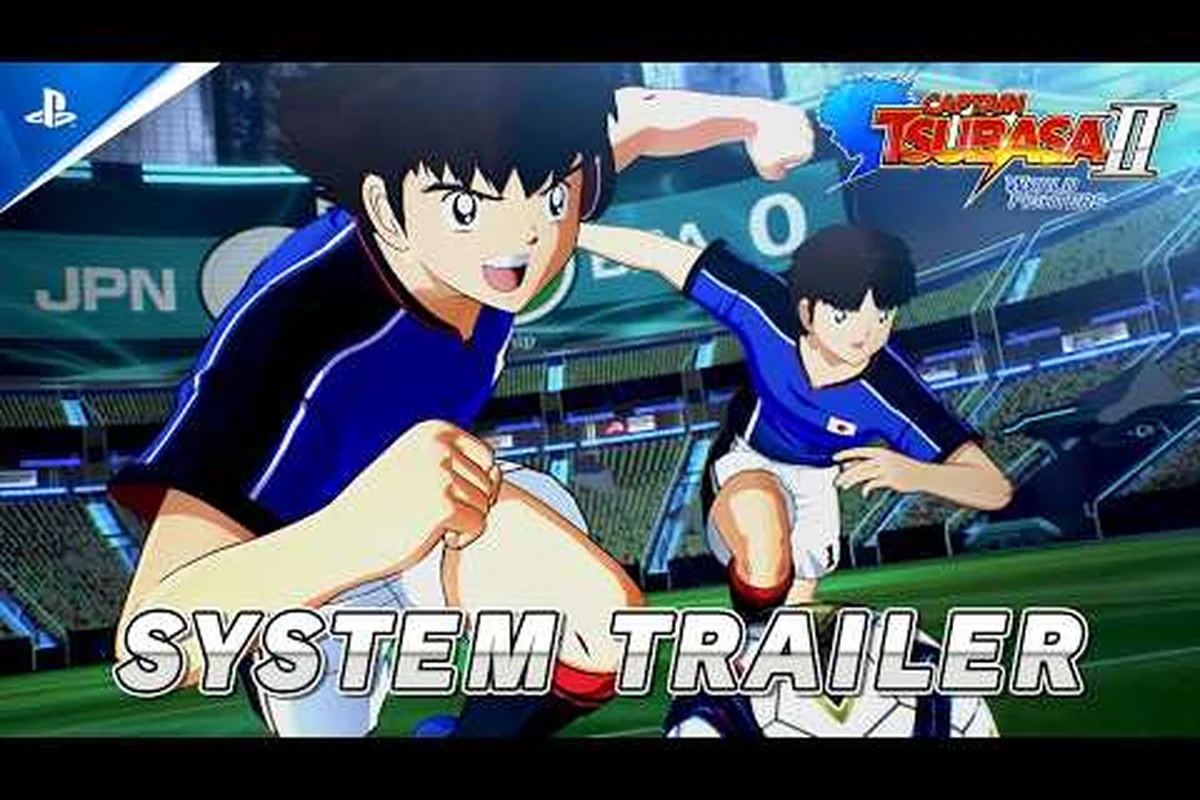
CAPTAIN TSUBASA 2: WORLD FIGHTERS Gamepad Support Guide
Captain Tsubasa 2: World Fighters gamepad support, covers controller support, compatible gamepads and button mapping, including Steam Deck notes.
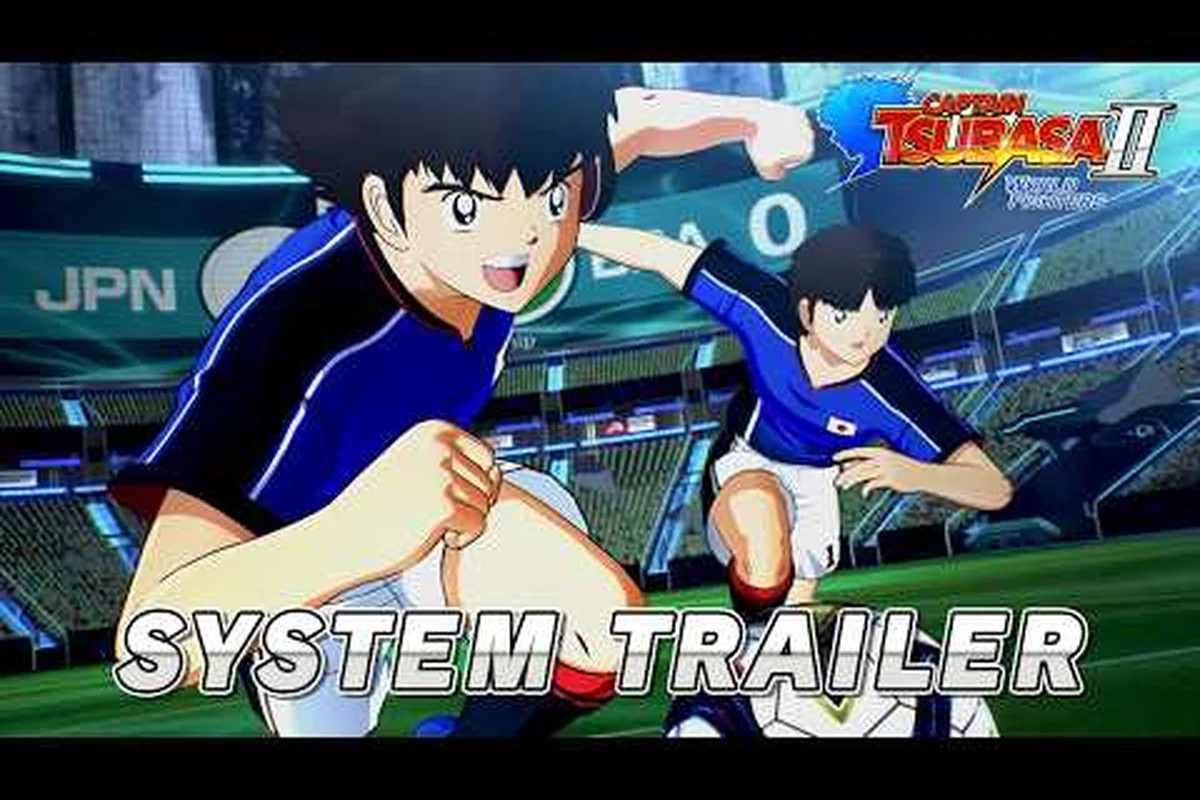
CAPTAIN TSUBASA 2: WORLD FIGHTERS GPU Requirements Guide
Captain Tsubasa 2: World Fighters GPU requirements, details graphics card requirements and what you need for smooth 60fps play, minimum and recommended.
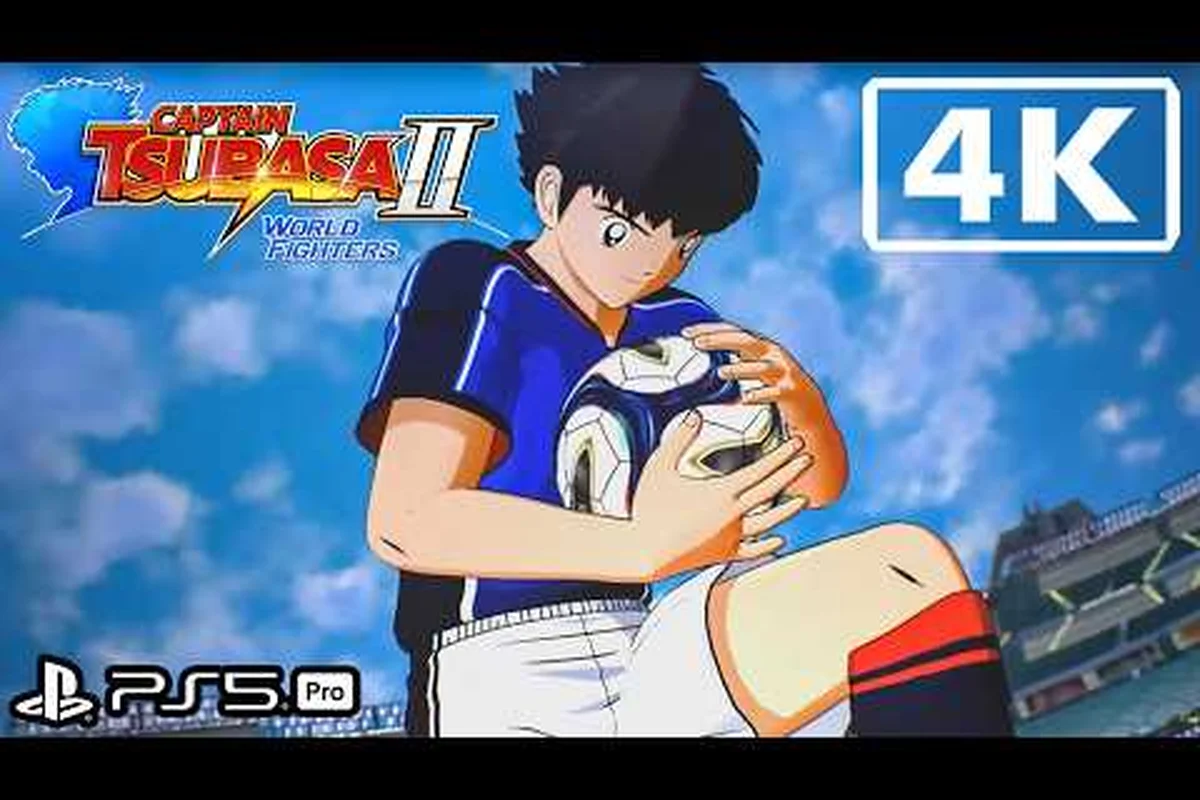
CAPTAIN TSUBASA 2: WORLD FIGHTERS High Settings Performance
Captain Tsubasa 2: World Fighters high settings, shows which settings unlock high-end visuals and what hardware ultra presets need, the full spec sheet.
CAPTAIN TSUBASA 2: WORLD FIGHTERS 60 FPS Performance Guide
Captain Tsubasa 2: World Fighters 60 fps, explains what hardware achieves 60fps and which settings to tune for a locked framerate, and settings guidance.
CAPTAIN TSUBASA 2: WORLD FIGHTERS Full Specs & Performance
Captain Tsubasa 2: World Fighters specs, summarizes the full spec sheet: CPU, GPU, RAM, OS and storage requirements, including Steam Deck notes.